How to Install Safari Browser on Apple CarPlay

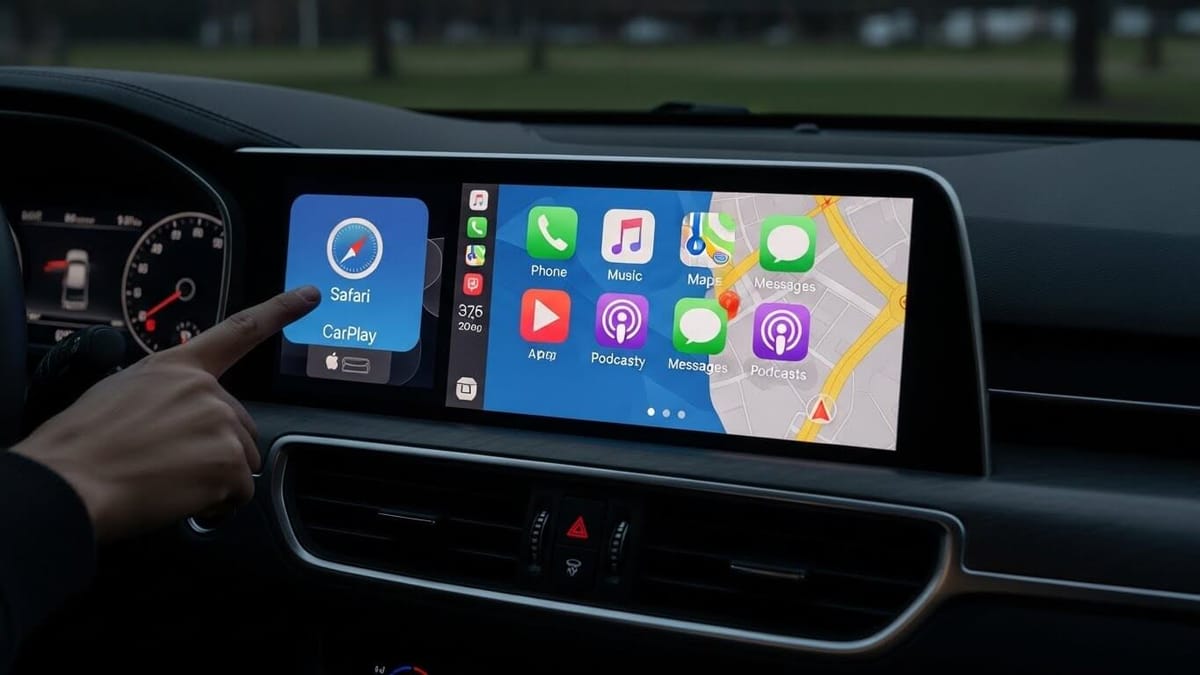
Ever wished you could browse the web on your car's screen? If you own an iPhone, chances are Safari is your go-to browser. And if you use Apple CarPlay, you've probably noticed one frustrating thing Safari isn't there.
Apple blocks Safari on CarPlay to keep drivers safe. But let's be honest, sometimes you need quick access to the web while on the road. Maybe you need to find a nearby mechanic, look up a phone number, or check something Maps can't help with.
The good news? You can still get Safari on CarPlay. Whether you prefer a software tweak or a simple plug-and-play device, there are easy ways to make it happen.
3 Ways to Install Safari Browser on Apple CarPlay
Due to Apple’s restrictions, Safari is not available on CarPlay by default. There're a few ways to install Smafari Browser on Apple Carplay.
NGXPlay
NGXPlay is our one of the best method for installing Safari and other apps on Apple CarPlay. This powerful jailbreak tweak enables you to use any apps of your choice on your CarPlay interface, giving you complete freedom over your in-car entertainment system.
NGXPlay Key Features
- Universal App Support: Unlike other solutions, NGXPlay allows you to install and use ANY app on CarPlay, including Safari, streaming apps, social media, and more.
- Compatibility: Supports iOS 14.8.1 and earlier versions, making it ideal for users with older iPhone models.
- Easy Installation: Once your device is jailbroken, NGXPlay can be installed quickly through Cydia or your preferred package manager.
How to Install Safari on CarPlay Using NGXPlay
- Ensure your iPhone is running iOS 14.8.1 or an earlier version.
- Install the NGXPlay tweak and follow the guideline.
- Connect your iPhone to CarPlay and access Safari directly from the CarPlay interface.
- Enjoy full Safari browsing capabilities on your car's display.
See more: How to install NGXPlay on iOS 18
WheelPal
WheelPal is another method to install Safari on Apple CarPlay. This iOS app requires your iPhone to be jailbroken and works with iOS 14 through iOS 16 on supported models.
WheelPal Installation Requirements
- Your iPhone must support jailbreaking with an active internet connection.
- Compatible with iOS 14 through iOS 16 on supported iPhone models.
- Not compatible with newer iPhone models that cannot be jailbroken.
- Not compatible with the latest iOS 18.5 version.
WheelPal Installation Process
- Use the Safari Browser on your iPhone to download the WheelPal app, often available via the Carplayhacks app or website.
- If accessing via a PC, scan the QR code with your iPhone to begin installation.
- If WheelPal detects you are only compatible with a PC tool, it will send an email with all necessary instructions.
- Once installed, access Safari directly through your CarPlay interface.
After jailbreaking, watching YouTube videos through Safari on CarPlay becomes straightforward. Simply enter youtube.com into the address bar, and the YouTube window will appear on your CarPlay screen.
CarBridge
CarBridge is a strong method for adding various apps to Apple CarPlay. This jailbreak tweak supports up to iOS 16 and enables customisation of apps including Netflix, Hulu, YouTube, Facebook, Twitter, Messenger, and Safari.
CarBridge Compatibility
- Supports iOS versions up to iOS 16.
- Requires a jailbroken iPhone.
- Not compatible with the latest iOS 18.5 version.
Hardware Solutions: Wireless CarPlay Adapters (No Jailbreak Required)
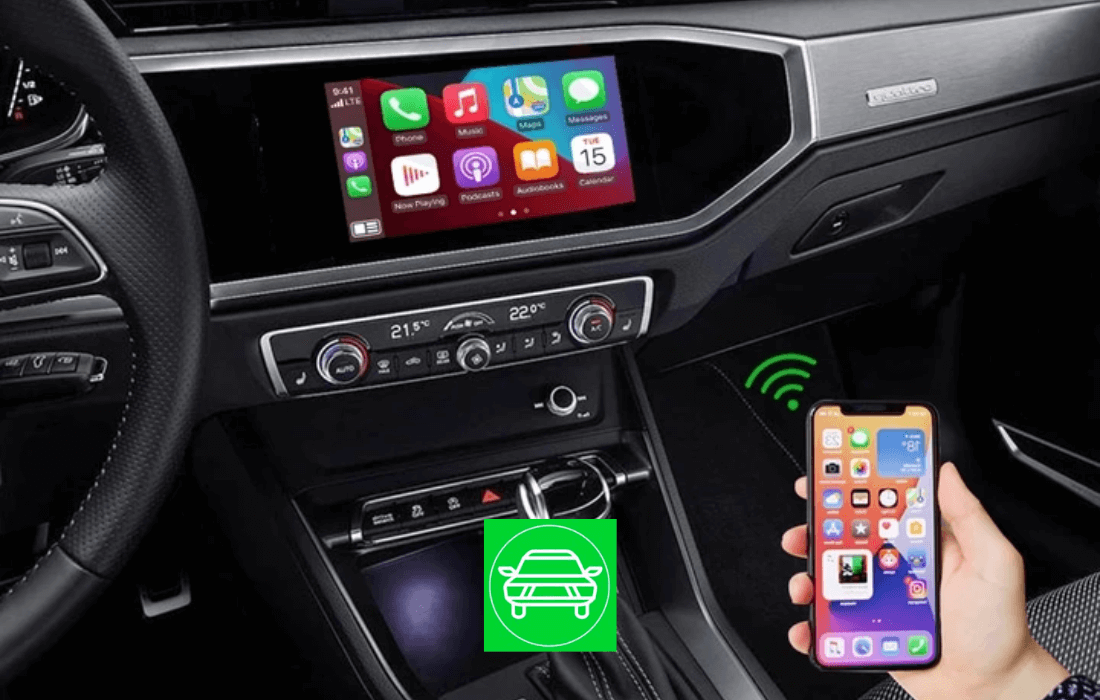
If you wish to add Safari and other apps to CarPlay without jailbreaking your iPhone, wireless CarPlay adapters offer a reliable solution. These hardware devices work with the latest iOS versions, including iOS 18.5.
Wireless CarPlay Adapter Comparison
| Adapter Name | Compatibility | Key Features |
|---|---|---|
| Ottocast Ai Box | iOS 10 to iOS 18.5, Android 11-15. Compatible with 2016+ car models. | Multi-platform support, 4GB RAM, YouTube/Netflix streaming, automatic connection. |
| Carlinkit Adapter | iOS 10 to iOS 18.5 (all versions). Compatible with 2016-2025 car models. | 4G network support, easy installation, seamless connection, video streaming. |
| MMB AI Box | All iPhone models and iOS versions including iOS 18.5. Works with 98%+ of cars. | YouTube/Netflix support, converts wired to wireless CarPlay, Wi-Fi/Bluetooth. |
These hardware solutions enable you to enhance your car screen with Safari, streaming services, and other applications without modifying your iPhone's software.
Why Install Safari on Apple CarPlay?
Safari is recognized as the world's fastest browser and offers enhanced protection and security. For iPhone users who rely on Apple CarPlay, having Safari access can be essential for handling urgent tasks while on the road.
Apple does not officially support Safari on CarPlay because browsing the internet can distract the driver. However, there are legitimate scenarios where quick web access becomes necessary, such as searching for a nearby mechanic when your car makes a strange noise or finding essential information when Maps may not suffice.
Safari simplifies the user experience by syncing passwords, bookmarks, history, and other data across your Apple devices. With CarPlay's wide screen, information can be easily absorbed with a single glance, making it practical for essential and urgent searching purposes.
Conclusion
While Apple restricts full web browsing on CarPlay to minimise driver distraction, several reliable methods exist to install Safari on your car's interface. For users with older iOS versions, NGXPlay is the recommended solution, offering universal app support for iOS 14.8.1 and earlier. Alternative jailbreak options include WheelPal and CarBridge for iOS 14-16 users.
For those running iOS 18.5 or preferring not to jailbreak, wireless CarPlay adapters like MMB AI Box, Carlinkit, and Ottocast provide a hardware-based solution that works with the latest iOS versions. These methods allow you to install Safari and other essential apps for urgent searching purposes while driving.
Frequently Asked Questions (FAQs)
Can I use Safari on Apple CarPlay?
Yes, you can use Safari on Apple CarPlay, but it requires either jailbreaking your iPhone or using a wireless CarPlay adapter. Apple does not officially support Safari on CarPlay due to safety concerns about driver distraction. The recommended solution is NGXPlay, a jailbreak tweak that supports iOS 14.8.1 and earlier, allowing you to use any app on CarPlay including Safari.
What is the best jailbreak tweak for Safari on CarPlay?
NGXPlay is the best jailbreak tweak for installing Safari on CarPlay. It supports iOS 14.8.1 and earlier versions and allows you to use any app of your choice on CarPlay. Alternative options include CarBridge (supports up to iOS 16) and WheelPal (supports iOS 14-16).
How do I install Safari on CarPlay without jailbreaking?
To install Safari on CarPlay without jailbreaking, you need to use a wireless CarPlay adapter such as Ottocast Ai Box, Carlinkit Wireless CarPlay Adapter, or MMB AI Box. These hardware solutions support iOS 10 through iOS 18.5 and allow you to access Safari and streaming apps on your car's display without modifying your iPhone.
Does NGXPlay work with iOS 18?
No, NGXPlay does not work with iOS 18. NGXPlay supports iOS 14.8.1 and earlier versions only. Currently, iOS 18 is not yet available for jailbreaking, so software-based solutions like NGXPlay, CarBridge, and WheelPal cannot be used on the latest iOS versions. For iOS 18.5 users, wireless CarPlay adapters are the only option.
Why doesn't Apple allow Safari on CarPlay?
Apple does not allow Safari on CarPlay because browsing the internet can distract the driver, posing safety risks. Apple restricts CarPlay to apps designed specifically for in-car use to minimise distractions and enhance road safety. However, many users still need Safari access for urgent tasks like searching for a mechanic or finding information when Maps is insufficient.
Can I watch YouTube on CarPlay with Safari?
Yes, you can watch YouTube on CarPlay through Safari after jailbreaking your iPhone with NGXPlay, WheelPal, or CarBridge. Simply enter youtube.com into Safari's address bar, and the YouTube window will appear on your CarPlay screen. Alternatively, wireless CarPlay adapters like Carlinkit and MMB AI Box also support video streaming including YouTube and Netflix.
What is the difference between NGXPlay and CarBridge?
NGXPlay and CarBridge are both jailbreak tweaks for CarPlay, but they differ in compatibility. NGXPlay supports iOS 14.8.1 and earlier and allows any app on CarPlay. CarBridge supports up to iOS 16 and is specifically designed for customising apps like Netflix, Hulu, YouTube, Facebook, Twitter, Messenger, and Safari. Neither works with iOS 18.5.
Which wireless CarPlay adapter is best for Safari?
The MMB AI Box is the best wireless CarPlay adapter for Safari as it is compatible with all iPhone models and all iOS versions including iOS 18.5. It works with over 98% of cars with OEM factory wired CarPlay, supports YouTube and Netflix streaming, and converts wired CarPlay to wireless. Carlinkit and Ottocast adapters are also excellent alternatives.